In progress. Not yet available to buy.
The Tech It Book
Technology Doesn't Change the Destination. It Changes How It Is Reached.
A Practical Guide to Assistive Technology, Access, and Neurodiverse Inclusion
About the book
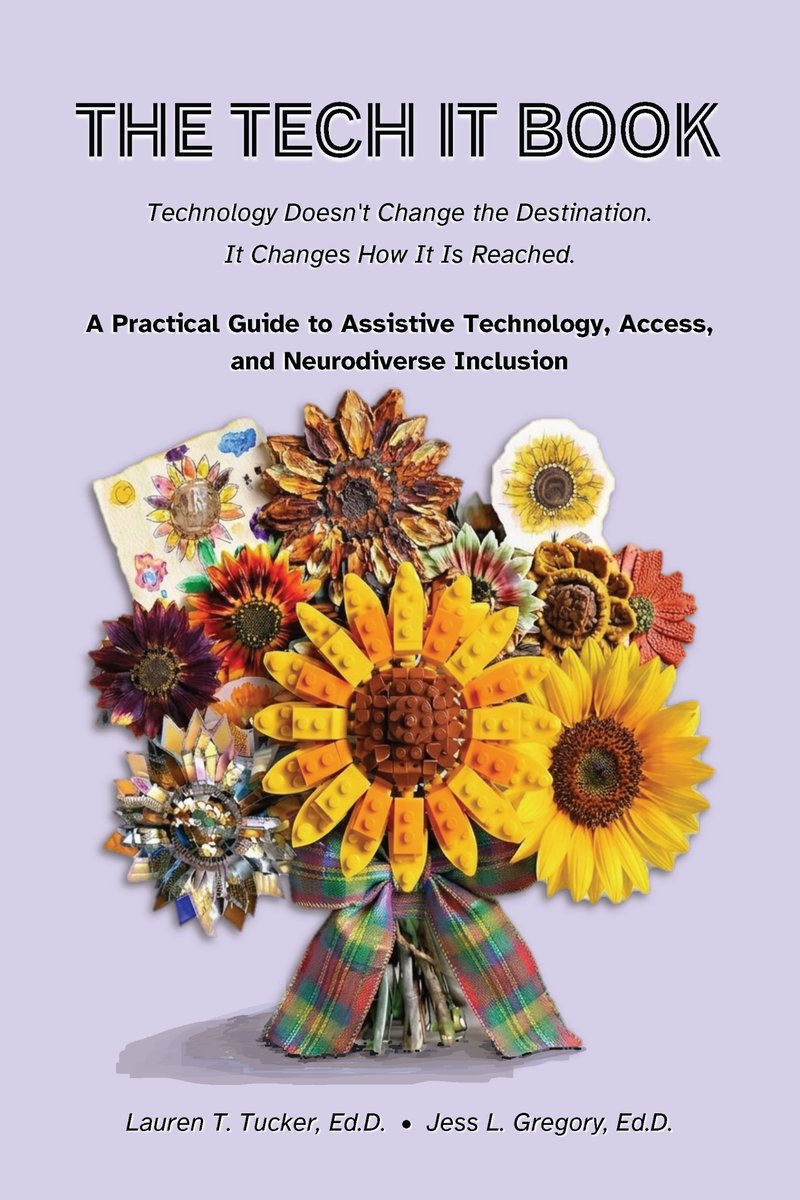
The Tech It Book is about technology and neurodiverse inclusion in the places where families live their lives: home, school, work, and the community. We wrote it for parents and caregivers, for educators and school leaders, and for working professionals. You can start at any chapter. There is no wrong door.
We look at assistive technology (AT), the accessibility features already built into everyday devices, and artificial intelligence. We ask one question again and again. Does this tool fit this person, in this place, for this task?
A bridge is our guiding image. A tool carries a person across a gap to a place they already want to go. We write about families of tools, not specific products. Products change fast. The need for a bridge stays.
What you will find
- Everyday supports such as text-to-speech, speech-to-text, and captions.
- A friendly audit you can run on the tools you already use, one friction point at a time.
- Work, including executive function and AI as a coworker.
- Play, games, hobbies, and sports.
- The arts, from making music to attending a show.
- Funding, free options, and keeping up with new technology without overwhelm.
- How to speak up for inclusion, and what is coming next.
This list follows our current outline of 28 chapters in six sections. Chapters and their order may change as we write.
Timeline
This is where things stand today. Confirmed dates are stated as dates. Plans are labeled as plans.
-
Title and imprint confirmed. The book is titled The Tech It Book. It will be published by Press 0 Publishing.
-
Ongoing
Call for contributions open. We are collecting stories from parents and caregivers. There is no deadline.
-
Ongoing
Drafting. We are writing and revising chapters now.
-
As stories arrive
Review and credit. If we select your story, we email you first to confirm details and how you want to be credited.
-
November to December 2026
Audiobook recording (planned). We plan to record the audiobook edition.
-
Planned for winter 2026–27
Publication. We are aiming for December 2026 to January 2027. The exact date is not set. We will announce it here and on our social accounts.
Updates
New posts appear first on our social accounts. Longer updates will be added here.
A tip from Chapter 22: check your device first
Chapter 22 is about keeping up with technology without overwhelm. One rule in it is Default Features First. Before you download something new, check what your phone or computer can already do. Many fixes are already built in.
Try it this week. Pick one small, repeated annoyance. Spend two minutes looking for a built-in fix before you install anything.
We are collecting stories
Our call for contributions is open. Read the details in Share your story.
How to buy
The Tech It Book is not available yet.
We are planning for winter 2026–27, but no release date has been set. There is no price, store page, or pre-order link yet. If you see one, it did not come from us.
The book will be available in print, as an ebook, and as an audiobook.
Press 0 Publishing will publish the book. We will post the news here and on our social accounts the day it is ready.
Want a note when it is available? Email the.tech.it.book@gmail.com with the subject line "Notify me."
Share your story
We invite parents and caregivers of neurodiverse people to share first-person stories about technology that made a real difference for their family. The person you write about may be autistic, have ADHD, be dyslexic or dyspraxic, have an intellectual disability, or be neurodivergent in another way. Any age is welcome. Everyday tools count. A tool does not need to be new, costly, or specialized.
This is not a call for product reviews or marketing copy. We want honest accounts: what you tried, what worked, what did not, and what you learned.
What to include
- A short note on your family's context, only as much as you are comfortable sharing.
- The technology, tool, or strategy you used.
- The problem you wanted to solve and how you found this approach.
- What changed, including any limits or downsides.
- Anything you would tell another parent who is considering the same tool.
How it works
- There is no length requirement. A short story or a long reflection is fine.
- Send it in any format, such as the body of an email, Word, plain text, or PDF. If assistive technology helps you write, whatever format it produces is welcome.
- We credit you by name unless you ask us not to. You can ask for initials or a pseudonym.
- We do not pay for contributions at this time.
- We accept stories on a rolling basis. There is no deadline.
- If we select your story, we email you before anything is published.
- Not sure your story fits? Ask us. We would rather talk it through.
Email your story to:
the.tech.it.book@gmail.com
Use the subject line: Story Submission
If the email draft does not open, copy the address and write from your own email app.
Follow along
We post tips, behind-the-scenes updates, and calls for stories on these accounts.
- Instagram: @scsuassistivetech (opens in a new tab)
- Facebook, Lauren T. Tucker: link coming soon
- LinkedIn, Lauren T. Tucker: link coming soon
- LinkedIn, Jess L. Gregory: link coming soon
Plain-language glossary
- Assistive technology (AT)
- Any tool, device, or software that helps a person do a task that is hard for them.
- Augmentative and alternative communication (AAC)
- Ways to communicate that add to speech or stand in for it. Examples are picture boards, tablets with speech apps, and speech-generating devices.
- Executive function
- The mental skills that help us plan, start, remember, switch between, and finish tasks.
- Neurodiverse and neurodivergent
- Neurodiverse describes the natural range of differences in how people's brains work. Neurodivergent describes a person whose brain works in a way that differs from what is typical, such as an autistic person or a person with ADHD.
- SETT
- A framework for matching tools to people. The letters stand for Student or Self, Environment, Tasks, and Tools. It was created by Joy Zabala.
- Speech-to-text
- Software that turns spoken words into written text.
- Text-to-speech
- Software that reads written text aloud.
- Universal Design for Learning (UDL)
- A way of planning learning so it works for many people from the start, instead of adding fixes later.